Once groups are linked and the covered area grows, patrolling staff move between
several zones. Register up to four groups in advance and a short press of the mode
button Ⓜ switches to the group you are walking into.
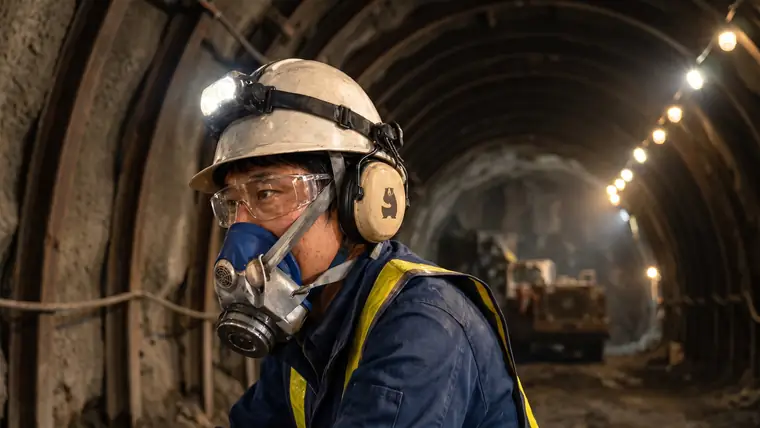
Example 1 — Plants, steelworks, chemical facilities
Production lines, maintenance, central monitoring, outdoor plant — vast sites split
into many zones. Put a Master in each and link them, and the whole facility is
covered. Maintenance and patrol staff switch to the next zone with one press and
keep working without dropping out.
Example 2 — Hospitals and care facilities
Floors, wings, nurse stations, rehabilitation rooms, offices — areas divided by walls
and partitions. A Master per floor covers the whole building, so patrolling staff and
supervisors switch with one press and stay coordinated as they move.
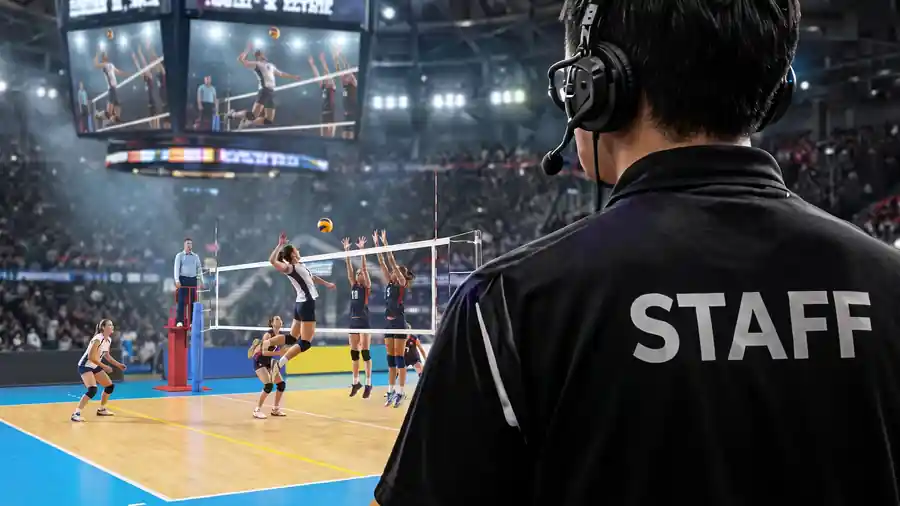
Example 3 — Stadiums and arenas
Pitchside, stands, gates, security, operations, medical — venues split into wide
separate zones. A Master in each covers the whole ground, so roving security and
supervisors move across it and stay connected with one press.