 ALVO1.9
ALVO1.9
ALVO1.9

ReaCom
Right “Hear”, Right Now.

Real-time Wireless Communication
Stop Shouting. Start Talking.
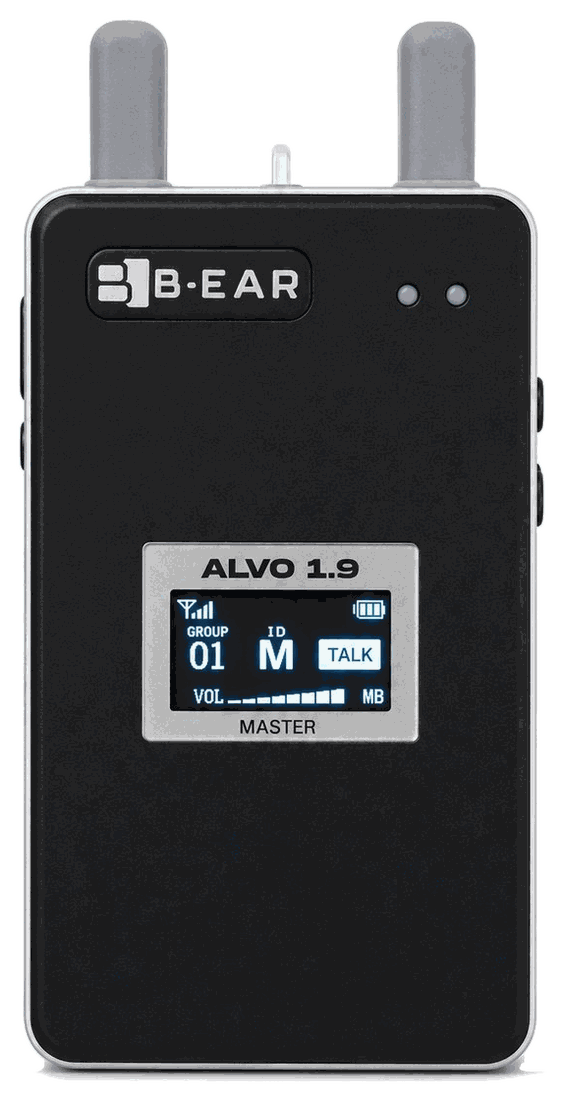
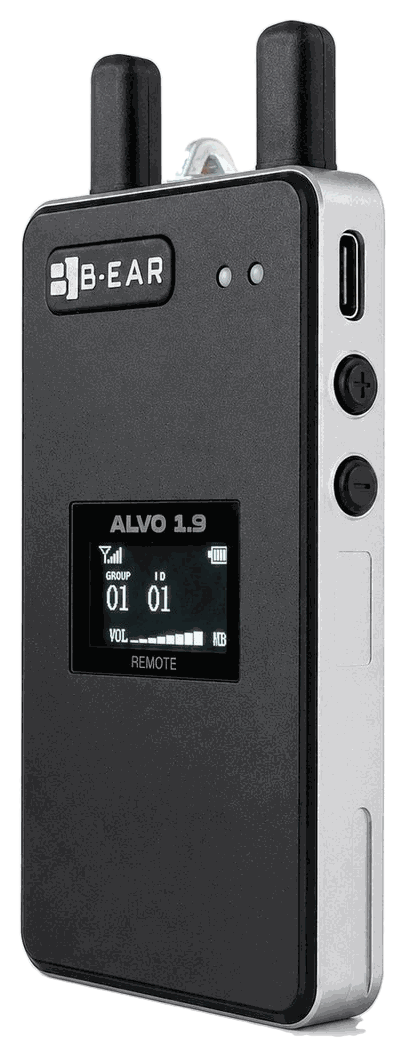
MASTER ALVO1.9M-MB / REMOTE ALVO1.9R-MB
Missed. Repeated. Delayed.
On a live site, that small loss is what turns into an error — or an accident.
ALVO1.9 keeps a real conversation going through the noise, so judgement and
hand-offs never stall.
02 — Issue
Voices disappear into the noise.
Crews stop asking twice, and start guessing instead.
You raise your voice and confirm again — and each time, the work stops.
Conventional radios were built to push a button, speak one at a time, and mostly listen.
But what a working site actually needs is not one-way instruction.
It’s a conversation you can decide and work inside.
03 — About ALVO
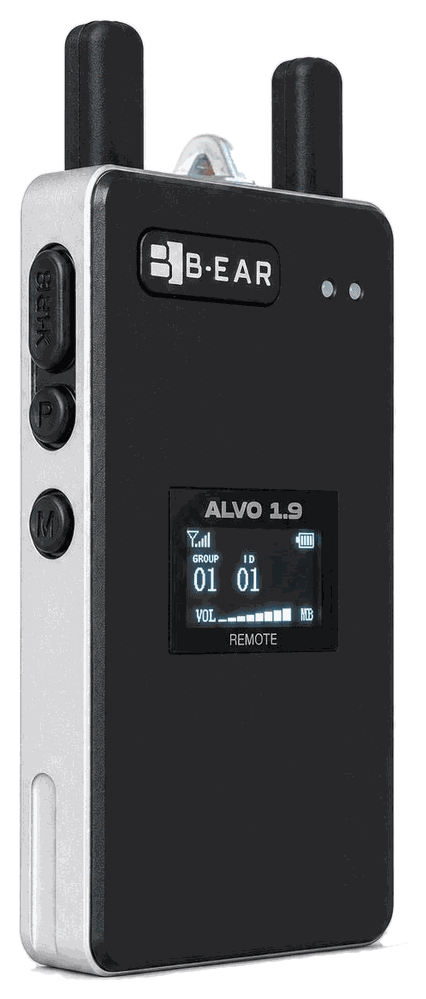
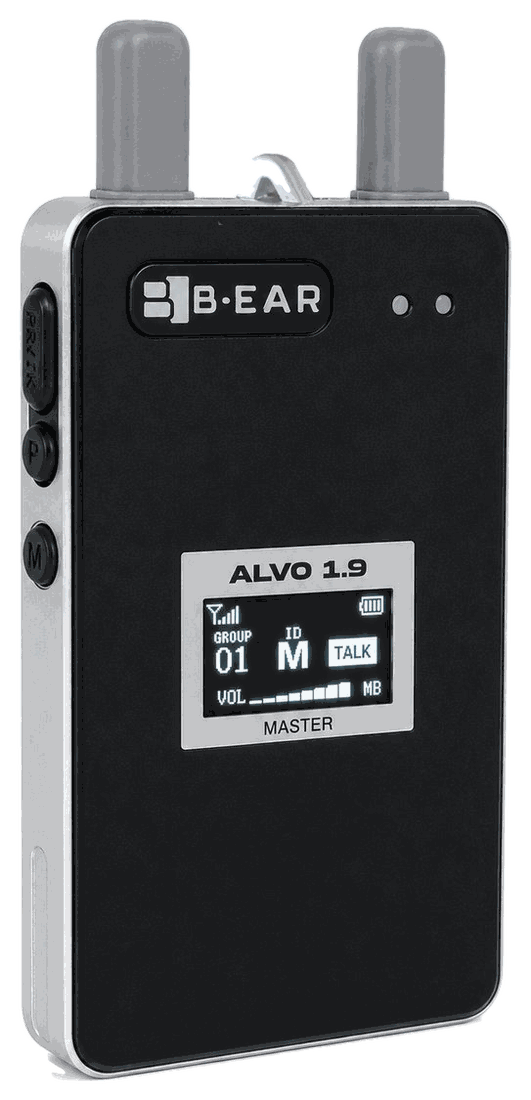
Master ALVO1.9M-MB / Remote ALVO1.9R-MB
The LCD shows group, ID, volume, room, talk status and battery level at a glance.
This is not a device built simply to carry a call.
It lets several people speak at once through the noise, and supports the judgement
and the follow-through that a site runs on.
That is what communication means to B-EAR — and why ReaCom is a category of its own,
not another two-way radio.
Getting through is no longer enough.
It has to be right, fast, and ready to act on.
B-EAR is making that the standard on site.
04 — Why ALVO1.9
01 — ENC 2.0
Noise cancelling refined toward a world-class benchmark, processing the surrounding din in real time.
Voices that would be buried are lifted back into clear, usable information.
Read more02 — Low Latency
In sport, a fraction of a second ruins the call. On a construction site or a plant floor, that same moment becomes a defect — or an injury.
Ultra-low-latency communication lets several people speak and share in real time.
Read more03 — 1.9GHz DECT
Crowds and a sky full of wireless devices no longer bury the voices that matter.
Built to stay stable where Wi-Fi and Bluetooth gear is dense, and where drones fly.
Read more05 — Numbers
Talking at once, per group
Range, Remote to Remote
through the Master
Unit weight
Thickness
Remote runtime
DECT band
800m is the total distance between two Remotes with the Master in between (approx. 400m horizontal on each side).
Range is measured in open line of sight with no obstructions, and varies with environment and weather.
Runtime: Master approx. 9 hours (with 5 Remotes connected) / Remote approx. 30 hours.
06 — Field
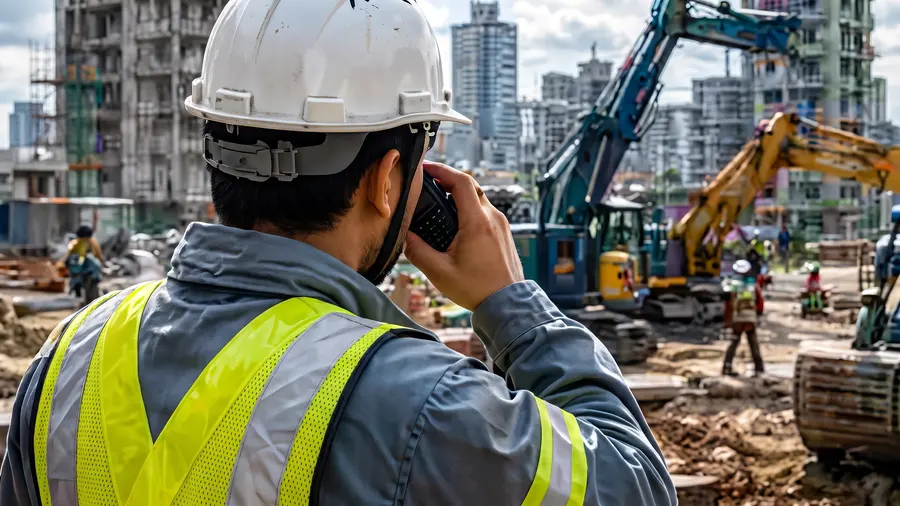
Work instructions and safety calls that survive the noise

Share a fault without stopping the line
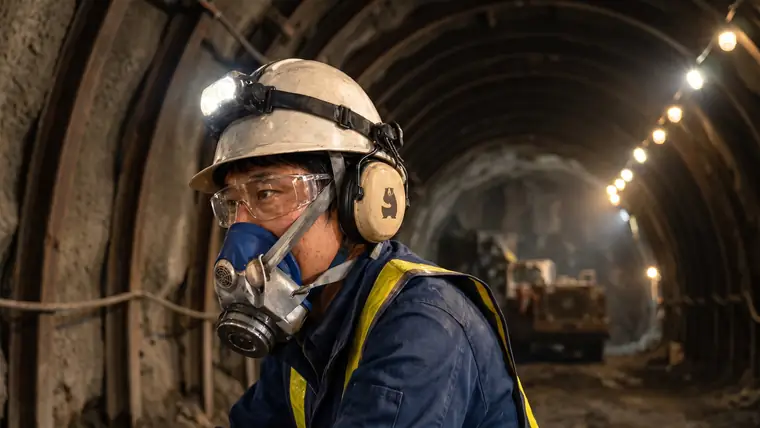
Link the face to the portal where no signal reaches

Call for help without taking your eyes off the patient
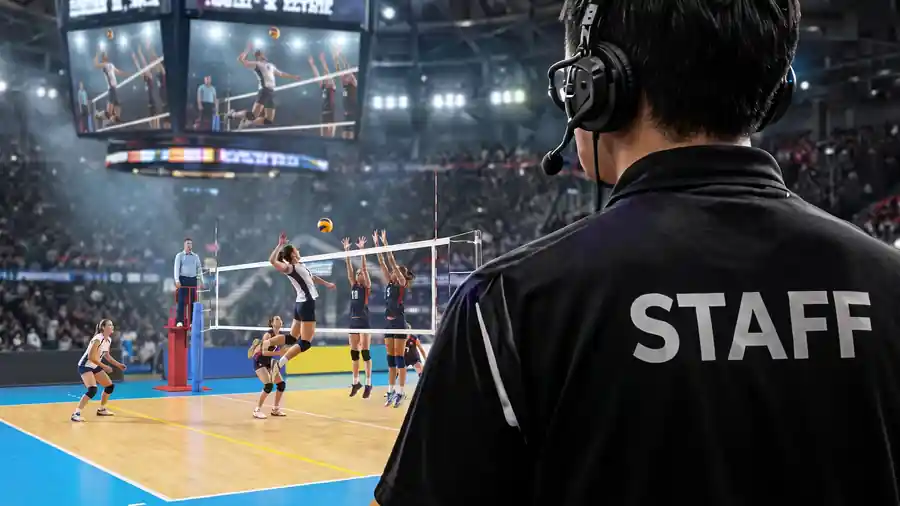
Staff coordination, event operations and referee communication

Get the signal across, over wind and water

Connect both ends of the floor without walking over

Keep the crew connected through fire and rescue operations
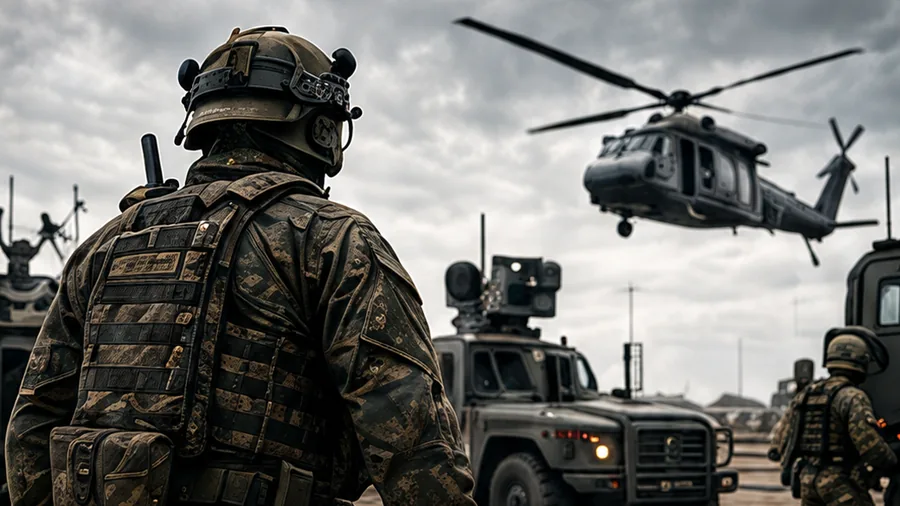
Command, confirm and report without relying on infrastructure
07 — Specification
* 800m is the total distance between two Remotes with the Master in between (approx. 400m horizontal on each side).
08 — Movie
How the radios are used when the mobile network is down, and why this company started building them. Two pieces, both in Japanese — the disaster explainer carries Japanese subtitles. Footage of ALVO1.9 itself is published on Instagram and added to the video page as it comes.
Explainer — 80 seconds / Japanese subtitles
One satellite line, shared between the command post and the teams in the field.
Watch on YouTube ↗Story — B-EAR
The decision to build the tool ourselves, rather than wait for one. Japanese audio.
Watch on YouTube ↗There are places where being heard is the precondition for everything else. Under the swing radius of a crane. In a stadium concourse packed with thousands. At the front line of a rescue, somewhere beyond the smoke.
In those places, whether one voice lands is not a question of good organisation. It decides whether people stay safe. Noise swallows the conversation. Distance cuts the instruction short. “I didn’t hear you” is never an acceptable answer.
On site, a voice is a lifeline.
B-EAR exists not only as a tool for working faster, but as a tool for bringing
everyone home.
At the end of the shift, every person who went out comes back. Supporting that ordinary outcome, from the communication side — that is our work, and our purpose.
“Passion starts the shift. Purpose brings everyone home.”
Unit counts, headset selection, how much area you need to cover, running alongside
existing radios.
Nothing needs to be decided yet — start with the conditions on your site.